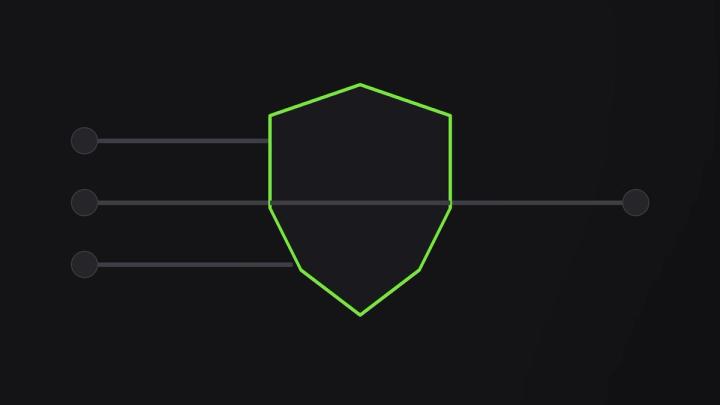
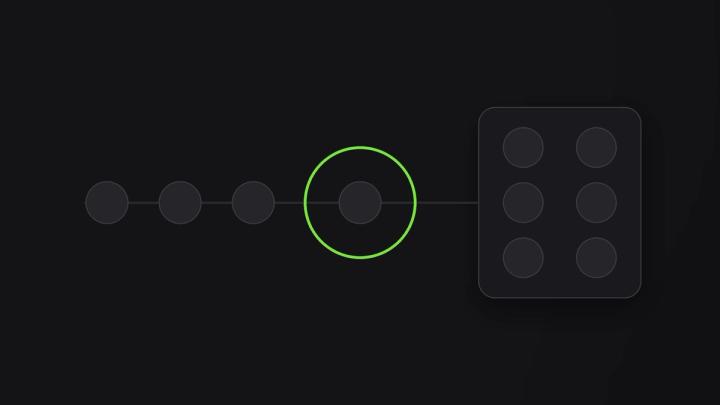
To block alts on a Discord server, make new members verify before they see any channels, and turn on an alt check at that step. In VaultCord, open your server’s Security settings and turn on Alt account detection, then Don’t give role to alts or Automatically ban alt accounts. These are Premium features. An account is flagged when it verifies from the same IP address as another account already saved in your server.
This is for an owner whose banned members keep coming back on new accounts. Know the limit first: Discord alt account detection by IP catches someone on the same connection. It misses someone who switches networks, and it can flag two real people who share Wi-Fi.
Does Discord detect alt accounts?
Discord detects some alts at the platform level, but it gives server owners no alt setting. Its moderator guide on ban evasion says:
Discord uses IP bans to prevent users from creating new accounts
The same guide says VPNs can get around those bans. Discord’s Identity and Authenticity policy treats a new account made to dodge a platform ban as ban evasion. Someone banned from just your server is a different case, and stopping them is up to you.
A bot inside Discord cannot compare IP addresses, because the member data Discord gives apps has none. A verification page can, because the member opens it in a browser.
How alt account detection works
When a member verifies, VaultCord compares their IP address with every other account saved in the same VaultCord server. If a different Discord account already verified from that address, or tried to and was rejected, the new account is flagged as an alt of that one.
The check runs at verification only. It does not watch members after they have the role.
How to block alts on a Discord server
- Set up VaultCord verification and make your channels visible only to the verified role. If members can read and post without verifying, an alt never reaches the check.
- In the dashboard, open your server’s settings, then Security.
- Under Protection, turn on Alt account detection. It needs Premium ($4.97 a month) or Plus ($9.97), at the standard monthly price.
- Decide what happens to a match: turn on Don’t give role to alts to block it, or Automatically ban alt accounts to ban it. With neither on, the alt still gets the role and staff are warned.
- Under the Discord settings, set a Log channel and a Notify role for blocked events. Each match is posted there with the new account and the account it matched.
- Test it: verify a second account from the same connection, and check the log channel.
How it works
- 1Member opens the verify page
The page sees their connection, which a bot inside Discord cannot.
- 2The address is compared
VaultCord looks for another account in your server that verified from the same IP address.
- 3Log, block, or ban
A match is logged for staff, kept from the verified role, or banned, depending on your settings.
Choose what happens to an alt
| Setting | What happens to the alt | Use it when |
|---|---|---|
| Alt account detection only | Gets the verified role. Staff see a warning in the log channel | You want to watch before you act |
| Don’t give role to alts | Does not get the role. Listed as a rejected member with the account it matched | Most servers |
| Automatically ban alt accounts | Banned from the Discord server. The ban reason in the audit log names the account it matched | Repeat evaders and raid waves |
The dashboard explains why the first row exists: some owners still give alts the role, because the original account may be an old one that Discord terminated, and the person had to make a new one. The ban applies to the new account only. Check the account it matched, too.
If no log channel is set, VaultCord emails the account owner about each match instead, when email alerts are on.
Let a real member through
Two real people on one connection will match: siblings, roommates, a school or office network. You have two ways to let one in:
- Approve them. Open the rejected members list on the Members page and approve that member. They must still authorize the bot.
- Allowlist them. Add the user to your Firewall allowlist. An allowlisted user, IP, region, country, or ASN is not blocked or banned as an alt, though staff still see the warning. ASN means the network an address belongs to. The allowlist needs a paid plan.
Allowlist a single user rather than a whole network. A wide rule lets every alt on that network through.
What alt detection cannot catch
- A different connection. Someone who verifies from a VPN, mobile data, or another home has a different address. Turn on VPN blocking for the first case; How to block VPNs on a Discord server explains it.
- Accounts that never verified. If channels are open without the verified role, the check never runs.
- Servers that do not save IPs. With Don’t save IP address turned on, there are no saved addresses to compare. The same goes for members who opted out of VaultCord storing their IP.
- Alts made before the ban. If both accounts verified long ago from different places, nothing links them.
Free checks that slow alts down
New alts are usually new accounts. These checks are free and catch many of them:
- Discord’s verification level. Set it under Server Settings. Discord verification level explains each level.
- Minimum account age in VaultCord, which rejects accounts younger than the number of days you set.
- Captcha and Block scammers from verification, both free in VaultCord.
Best Discord verification bot compares what each check stops. If alts are arriving in a wave, How to stop a Discord raid covers what to do first.
Frequently asked questions
Can Discord tell if you have an alt account?
Discord says it uses IP bans to stop people making new accounts after a platform ban. It does not tell server owners which members are alts.
How do I block alts on Discord?
Put a verification step in front of the server, and turn on alt detection there with block or ban. Keep every channel behind the verified role.
Can a Discord bot detect alts?
Not from inside Discord, because apps are not given IP addresses. It can when the member opens the bot’s verification page.
Is alt detection free in VaultCord?
No. It is on Premium and Plus. Minimum account age, captcha, and scammer blocking are free.
Will alt detection ban my members’ siblings?
It can, if they share a connection and you turned on auto-ban. Start with Don’t give role to alts, which you can undo by approving the member.
Sources and verification
Discord’s pages and VaultCord’s current code were read on the dates shown.
Keep reading
More guides for running a Discord server you can restore.