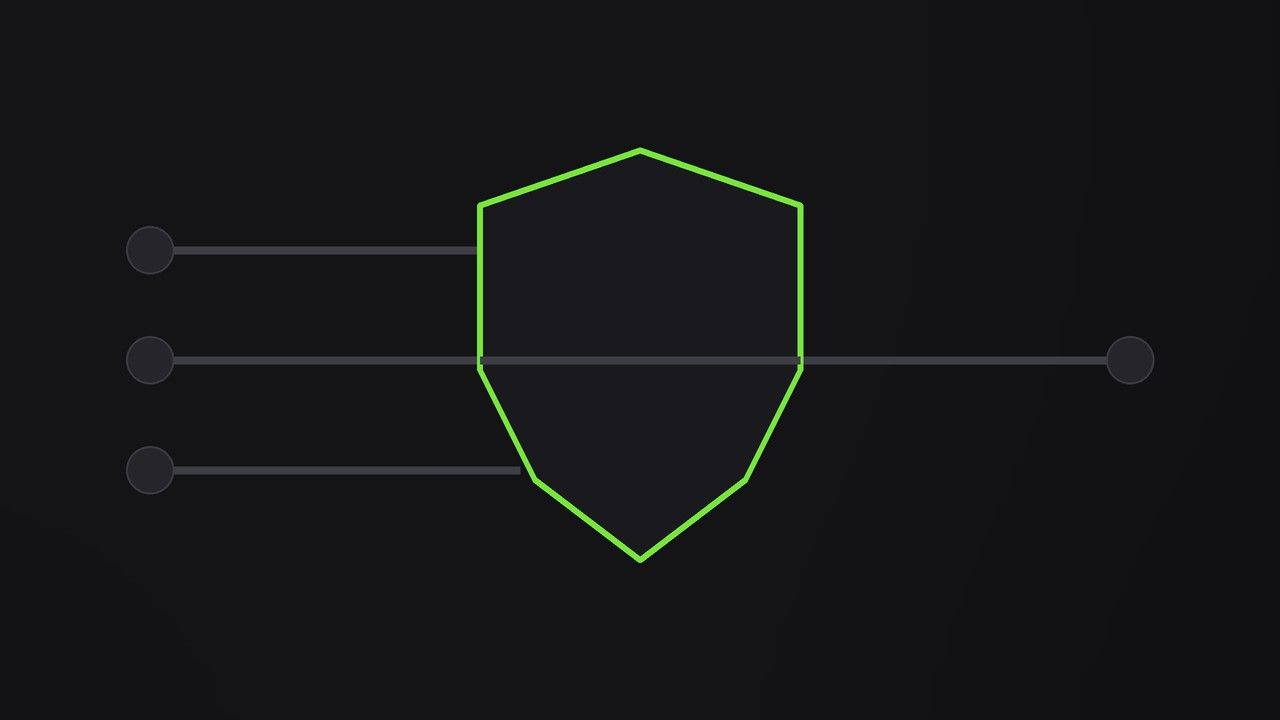
To block VPNs on a Discord server, put a verification step in front of it and turn on a VPN check there. In VaultCord, open your server’s Security settings and turn on Block VPN networks, a Premium feature. Members who verify through a detected VPN or proxy do not get the verified role. A bot cannot check this inside Discord, because the user information Discord gives apps has no IP address.
This is for an owner dealing with ban evaders, alts, or raid accounts. The limit to know first: a Discord VPN block works at verification. It does not watch connections after that, and no VPN list catches everything.
Can Discord block VPNs?
We found no VPN setting for server owners in the Discord documentation we read. Discord’s User object, the data an app gets about a member, lists an ID, username, avatar, and similar fields, but no IP address. So a moderation bot cannot look at a member and tell that they are on a VPN.
A verification page can. When a member opens it in a browser, the page sees the connection the request comes from, and can check that address.
Why block VPNs on a Discord server?
The main reason is ban evasion. Discord says a ban reaches further than the account:
They will not be able to rejoin the server and their IP address will be blacklisted.
A VPN gives the same person a different address, and a second account gives them a different name. Alt detection is affected too: VaultCord’s looks for another verified member on the same IP address, so someone on a new VPN address does not match.
A VPN is not proof of bad intent. Plenty of people use one for privacy, or because their school or workplace requires it.
How to block VPNs on a Discord server
- Set up VaultCord verification, and keep your channels visible only to the verified role. Without that, skipping the check costs a member nothing.
- In the dashboard, open your server’s settings, then Security.
- Under Protection, turn on Block VPN networks. It needs Premium ($4.97 a month) or Plus ($9.97), at the standard monthly price.
- Turn on Alt account detection, also Premium, so a second account on the same address is caught.
- Under the Discord settings, set a Log channel and a Notify role for blocked events, both Premium, so staff see each block.
- Test it. Verify with a VPN on from an account that is not on your allowlist, then again with it off.
How it works
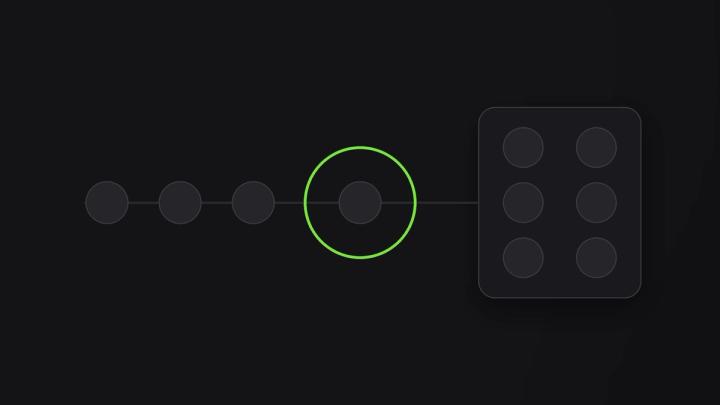
- 1Member opens the verify page
The page sees the connection, which a bot inside Discord cannot.
- 2The address is checked
VaultCord looks it up with an IP reputation service that flags VPNs and proxies.
- 3Block or verify
A flagged connection gets no verified role. A clean one goes on to your other checks.
What a blocked member sees
They are told that the server blocks VPNs, to disconnect and try again, with the VPN’s name when it is known. If it is Apple’s iCloud Private Relay, the message tells them to turn Private Relay off in their iCloud settings.
In the dashboard, the attempt is listed under rejected members on the Members page, with the reason VPN Blocked.
Let a real member through
You have two ways to let in someone who was blocked by mistake:
- Approve them. Open the rejected members list on the Members page and approve that member. They must still authorize the bot.
- Allowlist them. Add a rule under your server’s Firewall settings. An allowlisted user, IP, region, country, or ASN can verify past the VPN check. ASN means the network the address belongs to. The allowlist needs a paid plan.
Prefer a single user over a whole country or network. A wide rule lets in everyone who matches it.
Should you block mobile networks too?
Usually not. Block Wireless mobile networks (LTE, 5G, 6G) is a separate Premium setting. It turns away members verifying on mobile data and tells them to connect to WiFi. Keep it for a raid or a repeat evader, and turn it off afterward.
When not to block VPNs
- Privacy or activism communities. Many honest members rely on a VPN.
- Regions where Discord is restricted. A VPN may be the only way in.
- School and work communities. Members may not control their connection.
There, use the free checks instead: a captcha, minimum account age, and scammer blocking. Best Discord verification bot compares what each check stops, and How to stop a Discord raid covers a raid in progress.
Frequently asked questions
Does Discord block VPNs on servers?
Not through any server setting we found. Owners do it at verification, with a bot that checks the connection.
Can a Discord bot see if someone uses a VPN?
Not inside Discord, because the member data Discord gives apps has no IP address. It can when the member opens the bot’s verification page.
Can members turn the VPN back on after verifying?
Yes. The check runs when they verify.
Is VPN blocking free in VaultCord?
No. It is on Premium and Plus. Captcha, minimum account age, and scammer blocking are free.
Does a VPN block stop every ban evader?
No. A VPN that is not on any list, or a different home connection, can still pass. Combine it with alt detection and account age.
Sources and verification
Discord’s pages and VaultCord’s current code were read on the dates shown.
Keep reading
More guides for running a Discord server you can restore.